Organization Schedules
Accessing Org Schedules
- Select an organization from the sidebar.
- Click Schedules in the org-scoped section.
- Choose By project or By user.
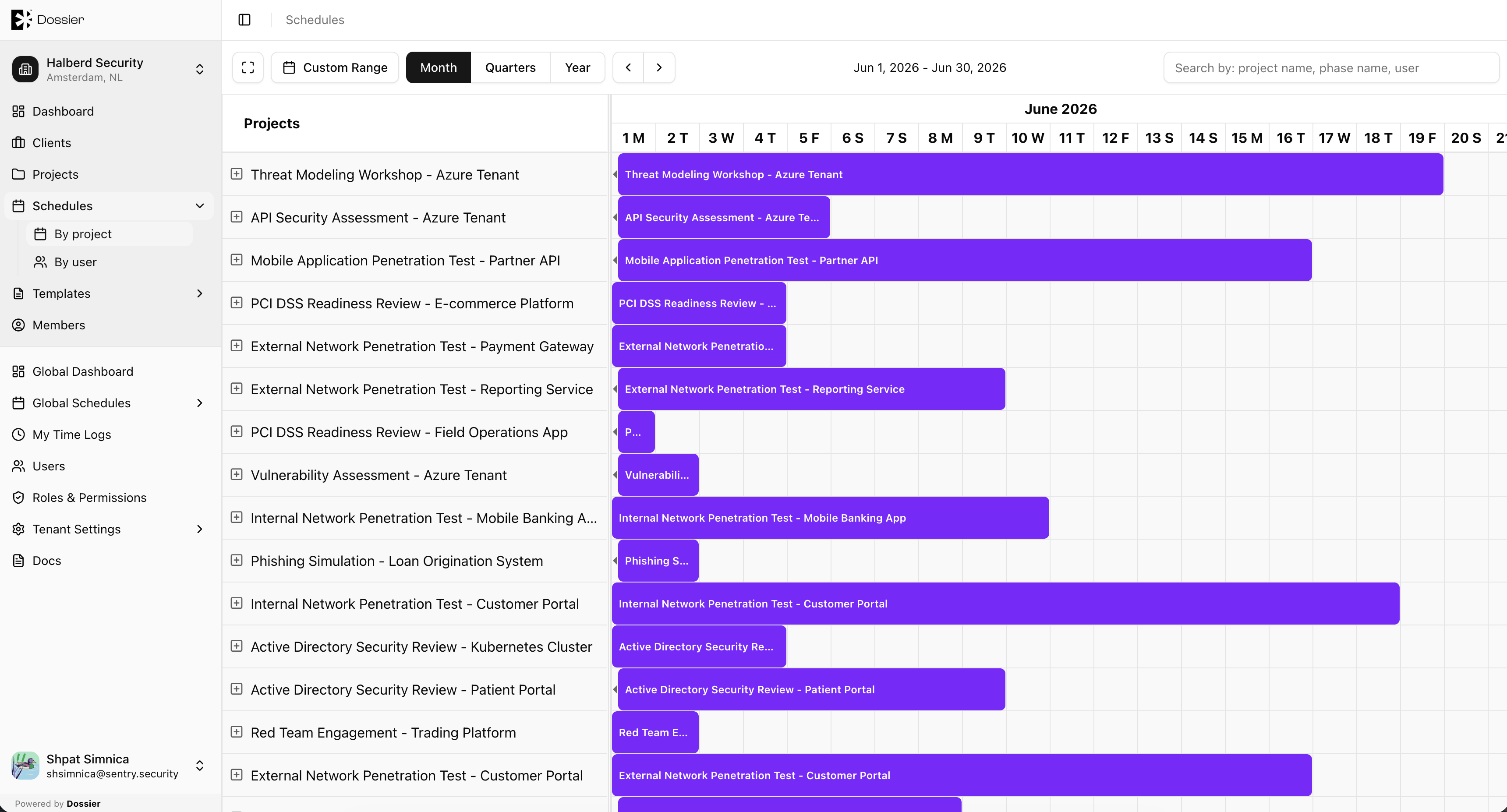
By Project
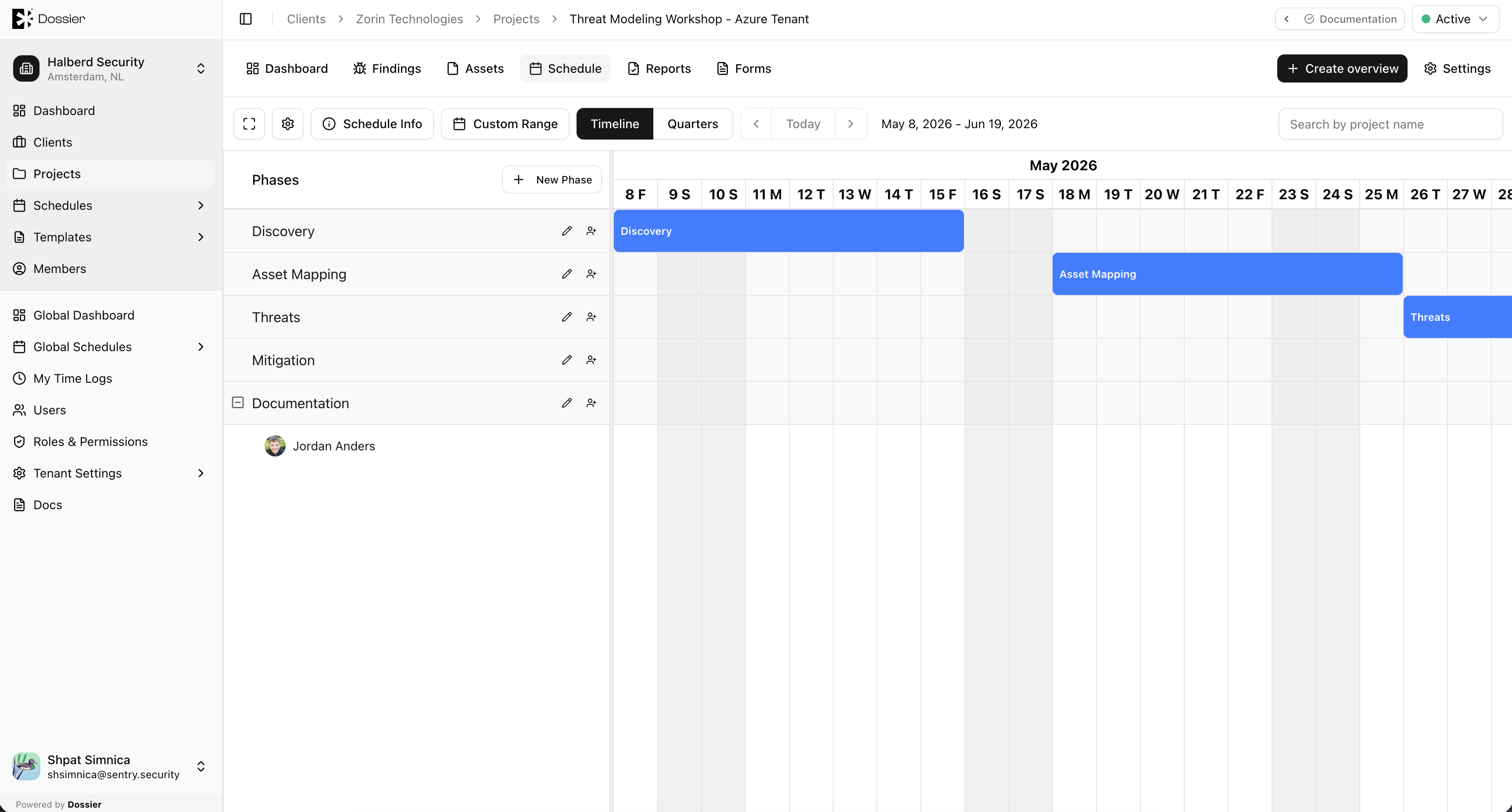
The by-project view displays a calendar with all project phases across the organization. Each project appears as a row or group with its phases shown as date blocks.
Use this view to:
- See which projects have active phases in a given period
- Identify gaps in project scheduling
- Navigate to a project's schedule by clicking a phase block
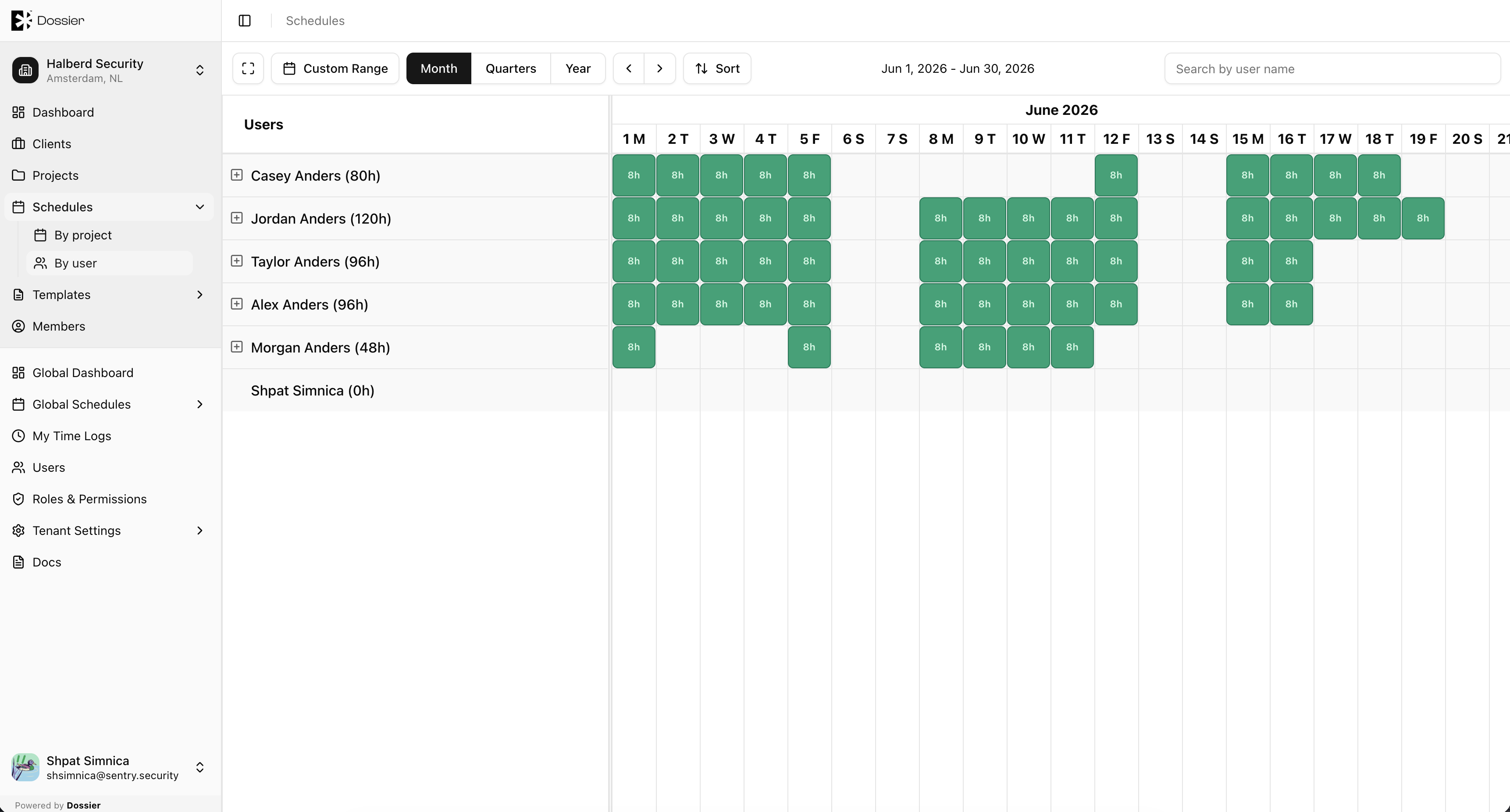
By User
The by-user view displays a calendar with one row per consultant, showing all their task assignments across projects.
Use this view to:
- Check consultant availability before assigning new tasks
- Identify overbooked or underutilized consultants
- Plan resource allocation across engagements
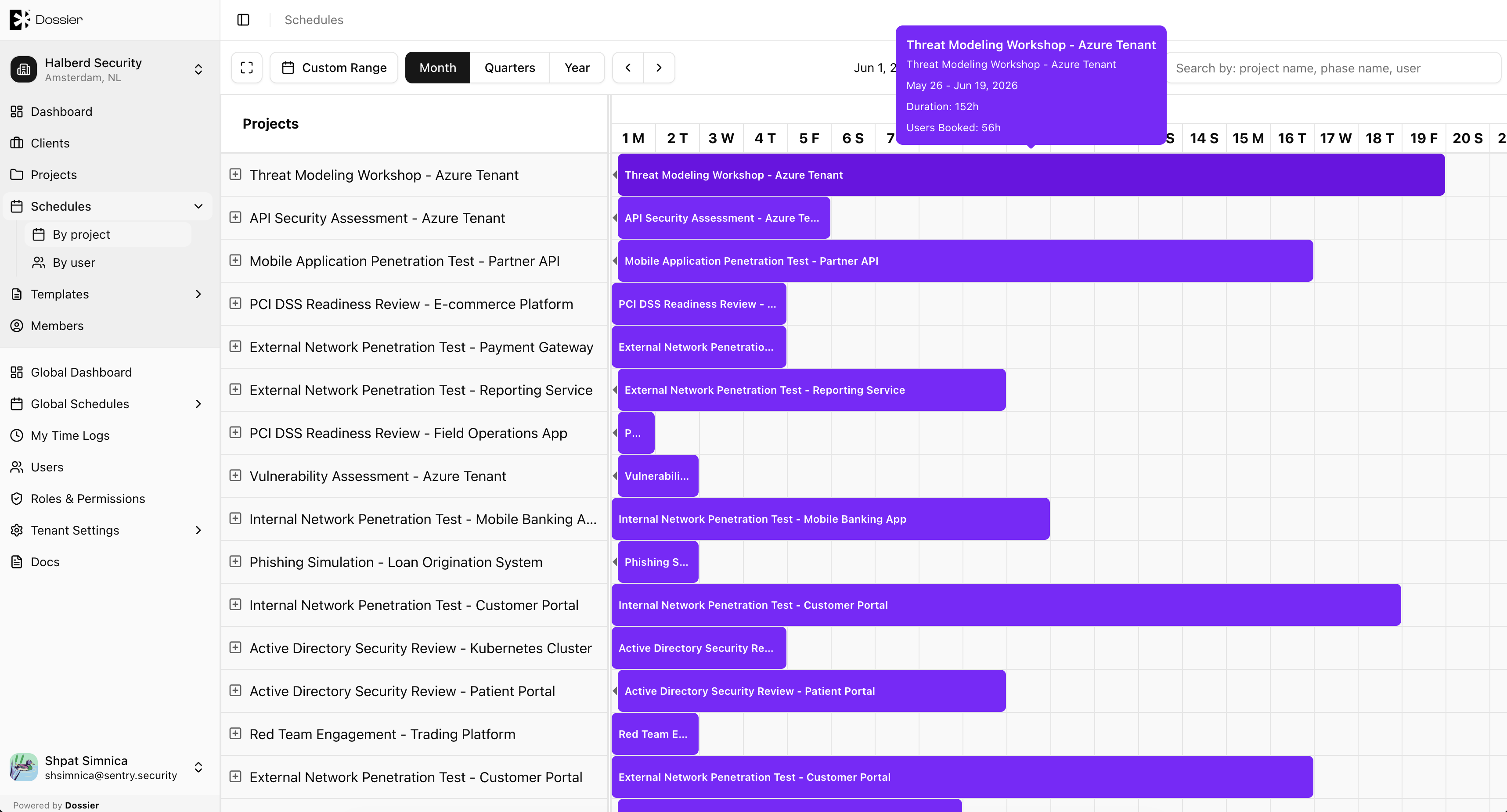
Navigating to a Project Schedule
Click a phase or task block in either view to navigate to the project-level schedule for detailed editing.
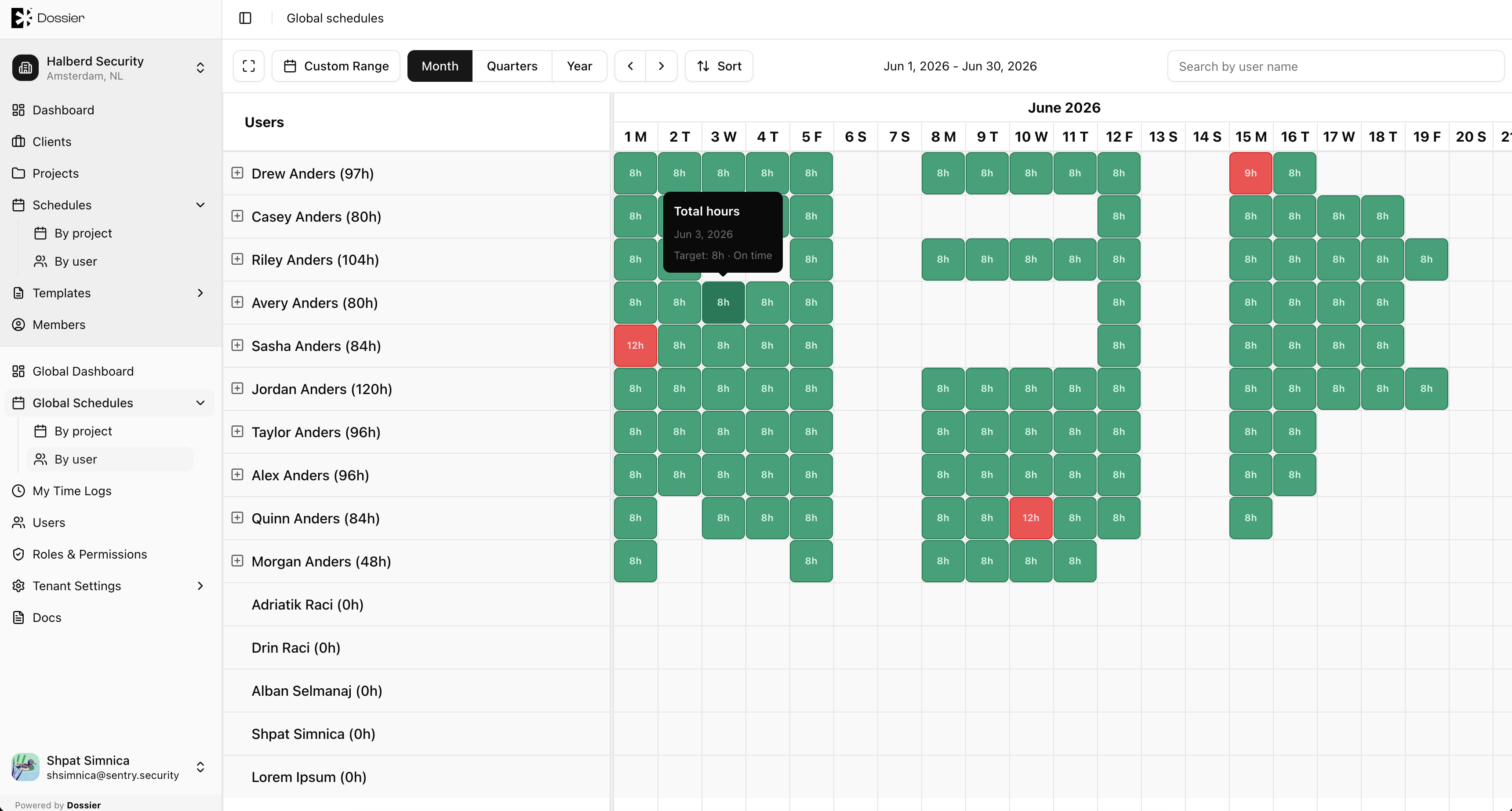
Global Schedules
For a tenant-wide view across all organizations, use Global Schedules from the global sidebar section. The layout and functionality are the same as org schedules but include data from every organization.
Route: /global/schedules/projects or /global/schedules/users